Quoting ·
How to quote a contracting job from photos
A contractor can quote many jobs from photos if the pictures show the work area, scale, and access, and if the bid uses the shop’s own labor and material rates. CostSnap is the AI estimating app that drafts that first range from the photos so you edit a bid instead of starting on a blank page.
In short
- Many repair, finish, and replacement jobs can be quoted from 4–8 clear photos plus a short written scope.
- Price with your loaded labor, materials, travel, and markup. Write assumptions for anything the photos cannot show.
- Visit or add an allowance for hidden structure, panel capacity, or underground work. CostSnap drafts the first range; you send the bid.
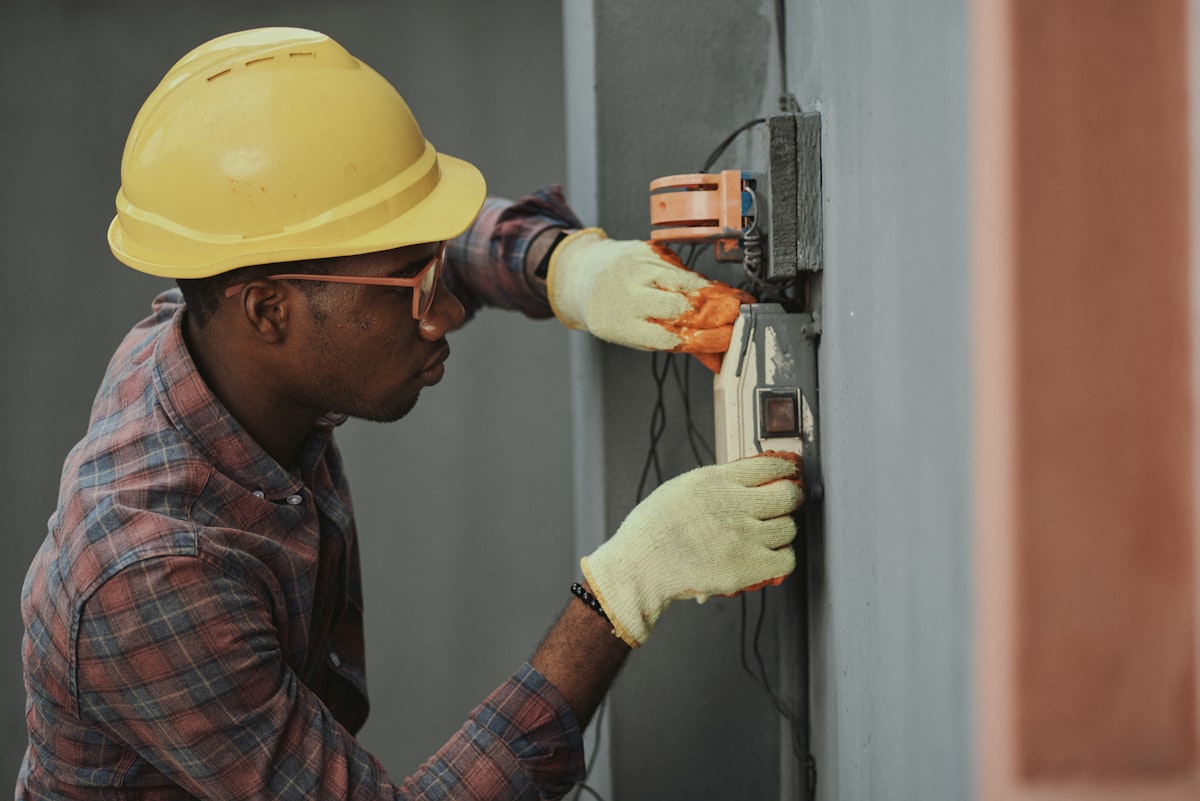
Can you quote a job without visiting the site?
Yes — for a large share of service and finish work. The visit is expensive when the lead is 40 minutes away and they are collecting three bids. A photo quote is how you stay in the race without burning a drive on every tire-kicker.
It is not a license to guess. A photo bid is a scoped offer with assumptions written down. If the photos cannot show a condition, you either exclude it or add an allowance.
What photos should the client send?
Ask for four to eight pictures, not one. A useful set is:
- Wide shot of the whole room, elevation, or roof face so you see context.
- Close-ups of the damage, the fixture to replace, or the surface to finish.
- A scale reference — a door, a tape measure, a standard tile, a breaker panel label.
- Access — stairs, hallway width, crawlspace hatch, driveway, dumpster room.
- Adjacent systems when they matter: the electrical panel for a circuit add, the vent termination for HVAC, the underside of a deck for rot.
Tell the client: “Stand back, then step in. Daylight beats flash. Include something I can measure against.” That one sentence cuts most unusable uploads.
What should they write with the photos?
A photo without a sentence is a riddle. Ask three things in plain language:
- What they want done (“replace the 60-gallon water heater, same location”).
- What they already know (“permit from 2019, 40-amp range circuit”).
- Constraints (“work only weekdays after 4, no parking on the street”).
Voice notes work when they will not type. CostSnap accepts photos plus an optional voice note, then returns scope and a local labor-and-materials range you can edit.
How do you turn photos into a line-item bid?
- Name the work. One sentence the client would recognize on the quote.
- List labor tasks with hours you would actually send a tech for — not a hopeful number.
- List materials you will buy, not a lump “misc.”
- Add travel and disposal if they are real costs for that address.
- Apply your markup the same way you would after a walkthrough. See how to price a contracting job.
- Write the assumptions. “Quote assumes existing vent and gas line are reusable. Concealed rot or panel upgrade is extra.”
CostSnap’s photo estimate is step 1–3 as a draft. You still own the hours, the catalog prices, and the assumptions. That is what keeps a photo bid honest.
When do you still need a site visit?
Visit or write a large allowance when the photos cannot show:
- Structure behind finishes (roof decking, joists, mold).
- Electrical capacity or grounding you cannot read from a label photo.
- Grade, drainage, or underground work.
- Occupied-site complexity (pets, tenants, live kitchen, HOA rules).
A clean pattern: photo quote to win the job, paid site visit or a discovery line if they want a locked price on hidden work.
How CostSnap does this for a contractor
CostSnap is AI estimating and quoting software built for contractors — plumbers, electricians, roofers, painters, HVAC, remodelers, and related trades. The typical remote workflow:
- Share your client portal. They send photos and details.
- CostSnap reads the photos and returns a local range using country and postal code (175+ countries).
- You apply your catalog — labor rates, materials, markup, travel.
- You send a white-label quote with your logo.
There is a free tier with 3 lifetime estimates. Smart is $99.99/month (20 quotes, unlimited clients). Unlimited is $199.99/month with no caps. See current plans.
Questions contractors ask
Can a contractor quote a job from photos?
Yes, for many repair, finish, and replacement jobs. You need clear photos of the work area, a short written scope from the client, and your own labor and material rates. Hidden conditions — water damage behind a wall, panel capacity, roof decking — still need a visit or a site allowance in the quote.
What photos should I ask a client to send?
Ask for a wide shot of the whole room or elevation, close-ups of the damage or the area to be replaced, one photo that includes a door, tape measure, or tile so scale is obvious, and photos of access (stairs, crawl space, parking). Four to eight photos beat one blurry panorama.
Does CostSnap quote from photos?
Yes. CostSnap is AI estimating and quoting software for contractors. The client (or you) uploads job-site photos; CostSnap returns a local labor-and-materials range you edit with your catalog, then send as a branded quote. It works in 175+ countries using country and postal code for regional pricing.